Assign Work to Subcontractors and Get Full Visibility Without the Phone Tag
ElevatorPlus work order management lets you create, assign, monitor, and pay for subcontractor work - with complete documentation and payment tracking.
The Real Cost of Informal Work Assignment
No Formal Records
You give work to subcontractors on WhatsApp - no formal record, no accountability
Unverified Completion
You don't know if the work was actually completed or just reported as done
Payment Disputes
Payment disputes with subcontractors because there's no agreed documentation
Complete Work Order Control
Work Order Creation
Create a formal work order from any module - breakdown, installation project, repair order, or standalone. Define scope, timeline, deliverables, and assigned contractor.
- ✓Linked to any module
- ✓Scope & timeline defined
Contractor Assignment
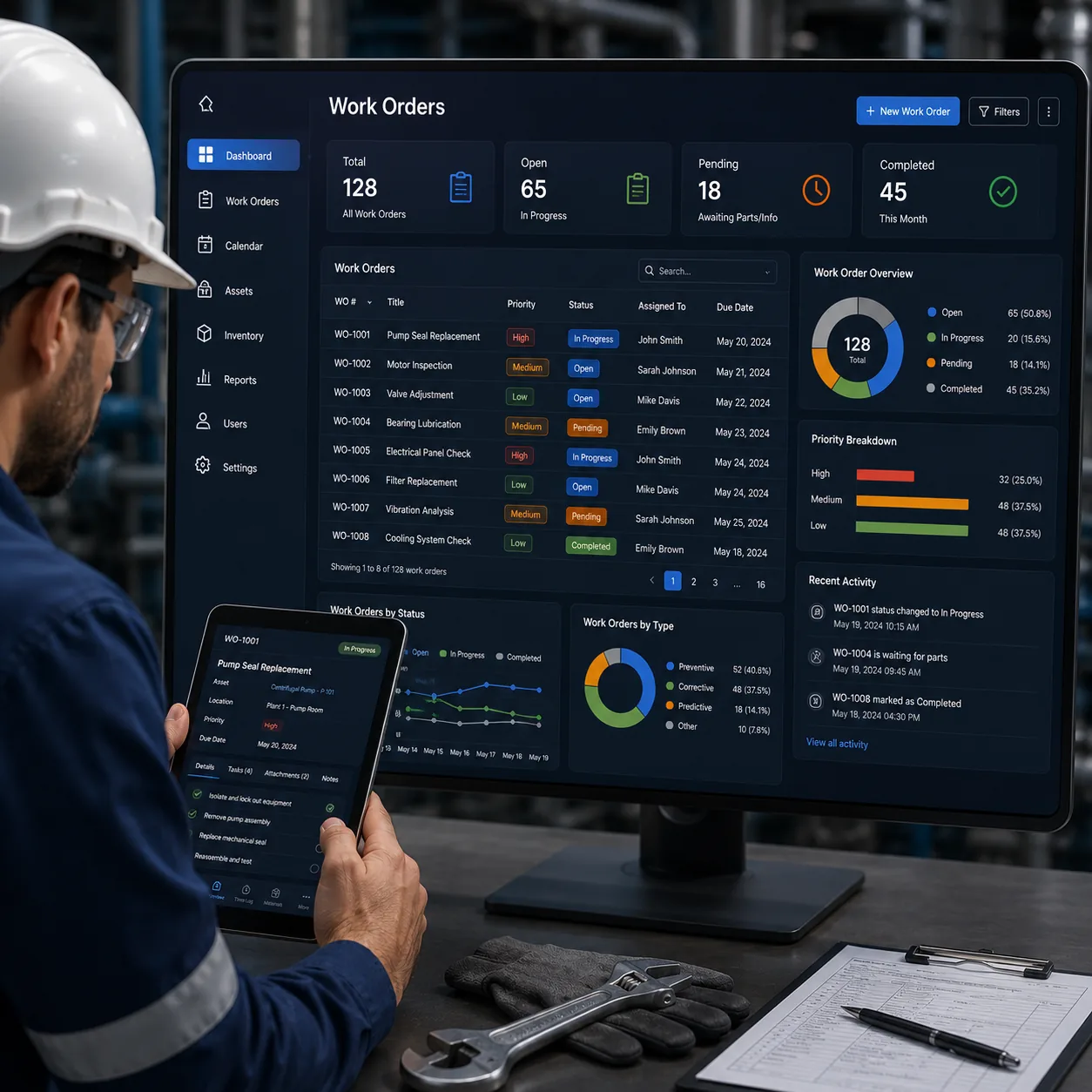
Maintain a subcontractor registry. Assign work orders to registered contractors with contact details, rate cards, and specialization areas.
Work Progress Monitoring
Subcontractors update work progress through the app or portal. You see real-time status without calling. Photo evidence required for completion.
Completion Report
Auto-generate a work order completion report on closure. Includes scope, timeline, completion date, contractor signature, and site photos.
Payment Management
Track payment against work orders. Record partial payments and generate payment receipts. View outstanding payments per contractor.
Document Generation
Auto-generate work order documents, completion certificates, and payment receipts with company branding.
Old Way vs. ElevatorPlus Work Orders
| Process | The Old Way | ElevatorPlus |
|---|---|---|
| Assignment | ✕WhatsApp message | ✓Formal work order document |
| Monitoring | ✕Follow-up calls | ✓Real-time status in dashboard |
| Completion Proof | ✕Verbal confirmation | ✓Photo evidence + signed report |
| Payment Tracking | ✕Spreadsheet | ✓Full payment trail with receipts |
| Documentation | ✕None | ✓Auto-generated work order package |
What You Get With Work Order Management
Proven outcomes from elevator companies that formalized subcontractor work.
Work orders connect to project management - subcontractor work appears in the project timeline. They also connect to payment management for contractor billing and reconciliation.
Frequently Asked Questions
Can I create work orders from a breakdown or installation job?
Yes. Work orders can be raised from any module - breakdown management, project management, repair orders, or as standalone work orders for any subcontractor task.
How does the subcontractor submit proof of completion?
Subcontractors update work status via the ElevatorPlus app or a shared portal. Photo evidence and notes are required before a work order can be marked complete.
Can I track partial payments to subcontractors?
Yes. Multiple payment entries can be recorded against a single work order. The outstanding balance is updated automatically with each payment.